8BitDo Ultimate 2C Wireless Controller
Hall-effect sticks and triggers with low-latency 2.4G dongle for Windows and Linux SDL input.
Starting in v0.3.6, every graphics, display, audio, and input setting lives inside the game's native Options menu (switch tabs with L and R) and persists cleanly in triforce_options.ini beside Triforce.exe.
Tune VRAM presets, output resolution, upscaling, frame generation, and raw mouse camera below, then download triforce_options.ini straight into your game directory.
; Generated for Triforce (place beside Triforce.exe)
[graphics]
quality_preset = 3
output_res = 1
resolution = 0
upscaling = 2
sharpness = 35
frame_generation = 0
frame_pacing = 1
ultrawide = 0
handheld_profile = 0
fullscreen = 1
fps_counter = 0

[gameplay]
game_speed = 1
text_speed = 0
mouse_camera = 1
controller_in_background = 0Source (NX2navi):
Windows: %LOCALAPPDATA%\Programs\NX2navi\game\profile\save\<account>\
Linux: ~/Games/Ocarina/profile/save/<account>/
Triforce target:
Windows: <Triforce game folder>\user\save\<user id>\
Linux: ~/.local/share/hookshot/save/<user id>/
CLI helper:
python -I scripts/oot_saves.py import nx2navi --keep-settingsStart and quit NX2navi once before copying if profile\save-tx exists so pending transactions flush cleanly.
Note on menu hotkeys: F10 or Alt+Enter toggles fullscreen at any time. Earlier builds (v0.3.5 and below) used an F1 / Insert overlay, which was retired in v0.3.6 when all settings moved into the native in-game Options screen.
| INI Key / Option | Accepted Values | Effect & Restart Rules |
|---|---|---|
quality_preset |
1 Min (4 GB), 2 Low (6 GB), 3 Bal (8 GB), 4 High (12 GB), 5 Ultra (16 GB+), 0 Custom |
Sets VRAM pool ceiling (85-88% cap on >8 GB cards) and shadow/LOD budgets |
output_res |
0 2048x1152, 1 2560x1440, 2 3840x2160 (also 3 1080p, 4 5120x1440, 5 5120x2880) |
Target presentation resolution before display scaling |
resolution |
0 Auto (dynamic), 1 100%, 2 75%, 3 67%, 4 50% |
Internal render scale feeding the upscaler |
upscaling |
0 Off, 1 Catmull-Rom, 2 Lanczos, 3 AMD FSR 1 (plus NVIDIA DLSS / DLAA if built) |
Spatial or temporal reconstruction; pair with sharpness = 0..100 and Upscale before bloom |
frame_generation |
0 Off, 2, 3, 4, 6, 8 |
Multiplies output frame rate from 2x up to 8x; combine with frame_pacing = 1 |
ultrawide |
0 16:9, 1 Monitor's shape |
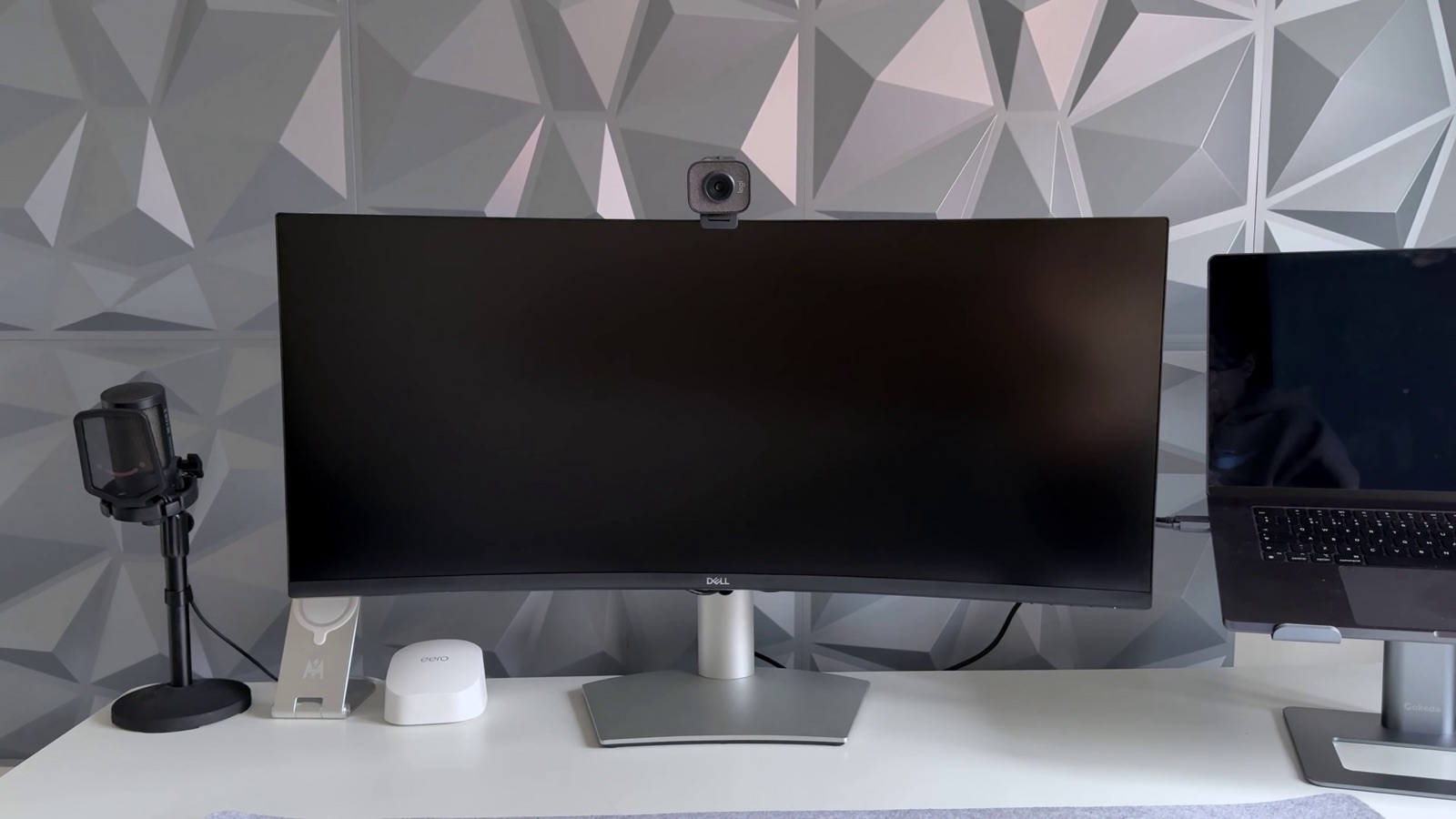
Expands horizontal frustum for 21:9 and 32:9 monitors (restart required) |
handheld_profile |
0 Off, 1 On |
Switches to Switch 2 portable GPU targets for 4 GB-6 GB devices (restart required) |
game_speed |
1 Real time, 0 Per frame |
Real time maintains normal world pace down to 15 fps; >60 fps counters fixed in v0.3.2 |
text_speed |
0 Normal, 1 2x, 2 4x, 3 Instant |
Accelerates dialogue boxes without breaking cutscene audio sync |
mouse_camera |
1 Native, 0 As the stick |
Native gives unaccelerated 1:1 mouse free-look |
Optional RenoDX HDR: Ticking RenoDX HDR on Setup's build page fetches and compiles ~60 MB of MIT-licensed HDR shaders by Carlos Lopez (clshortfuse). Enable Display -> HDR = Native in-game to tune peak nits, mid-grey, UI brightness, exposure, highlights, shadows, contrast, saturation, and bloom.
Layered RomFS mods: Create a mods directory beside Triforce.exe using either mods/<mod-name>/romfs/... or Switch-style mods/contents/0400486024DEC000/<mod-name>/romfs/...:
Triforce/
  Triforce.exe
  triforce_options.ini
  mods/
    01-hd-ui-icons/romfs/...
    02-ocarina-audio-pack/romfs/...
_disabled-test-pack/romfs/...01-, 02-), and the last folder wins when two mods override the same RomFS asset.- or _ to skip loading it without deleting files.exefs / .pchtxt / .ips) cannot hook guest memory.
Triforce maps Xbox, PlayStation, and Switch-layout controllers natively in Controls and supports background input.
Hall-effect sticks and triggers with low-latency 2.4G dongle for Windows and Linux SDL input.
Drift-resistant Hall sensors, swappable ABXY layout, and quiet membrane face buttons for Ocarina melodies.
Symmetrical dual-stick layout with Switch and X-Input modes plus rear paddles for quick camera centering.
TMR electromagnetic sticks, 1000 Hz wired/wireless polling, and Switch-layout face button caps included.
Affiliate disclosure: As an Amazon Associate, triforcerecomp.wiki earns from qualifying purchases at no added cost to you.